
Notes and cooking history
Keep notes on a recipe, see how often it's been made and everything done to it, and rate it after you cook.
How often you've made it
Under a recipe's title, a line such as "Made 4 times · Last made Nov 19 · Planned for Friday at 6:30 pm" shows how often people have made it and when it's next on the menu. It counts everyone who uses the recipe box, once per person per day.
A recipe counts as made when someone opens it in Cook mode, or when a meal planned on Google Calendar passes and no one opened it in Cook mode that day.
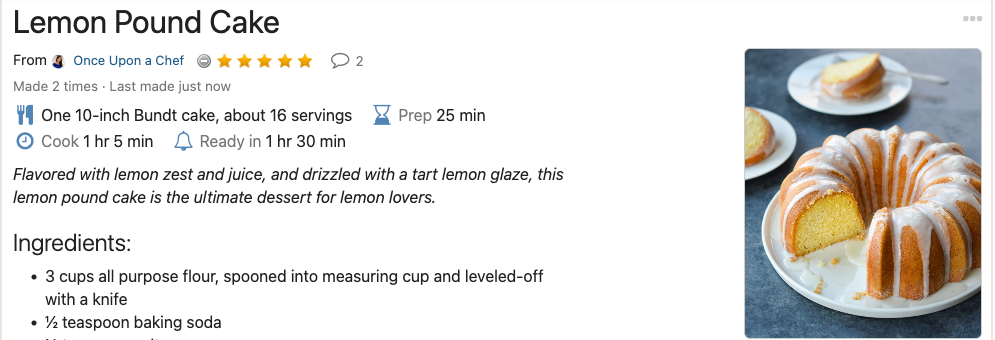
Notes
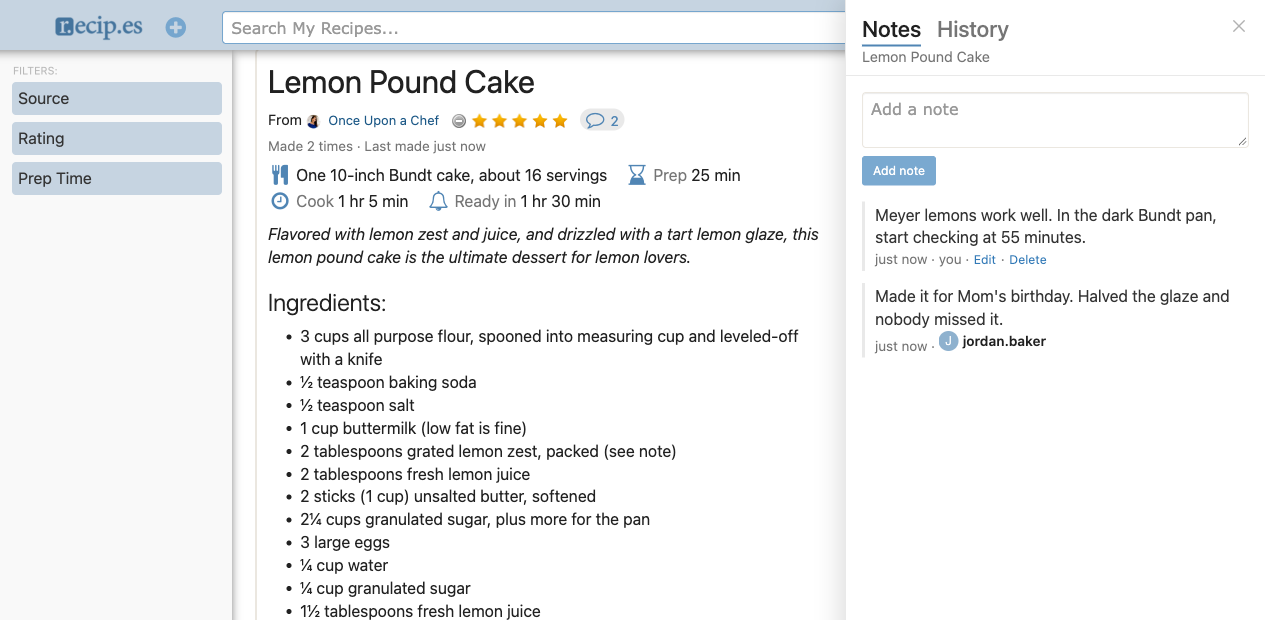
Click the speech bubble () beside a recipe's stars to open its notes. The number beside it says how many there are. On a tablet or computer, a panel slides in from the right with Notes and History tabs, and the recipe stays in view. Click the close button () or press Escape to close it. On a phone, the Notes section opens at the bottom of the recipe. To add a note, type in Add a note and click Add note. You can also add a note in the edit form, in Add a note above Save. r.ecip.es saves it with the recipe, dated today.
- Everyone who can open the recipe box sees every note. Each note shows its date and, for other people's notes, the writer's name and photo.
- You need to be able to edit the recipe box to add notes. With Read-only access, you can read them.
- Click Edit or Delete under one of your own notes to change or remove it.
- Times read like "12 minutes ago" or "yesterday at 7:10 pm". Hover over one, or press and hold on a phone, for the full date.
- A note can be up to 5,000 characters. Click Show older notes to see older ones.
A recipe's history
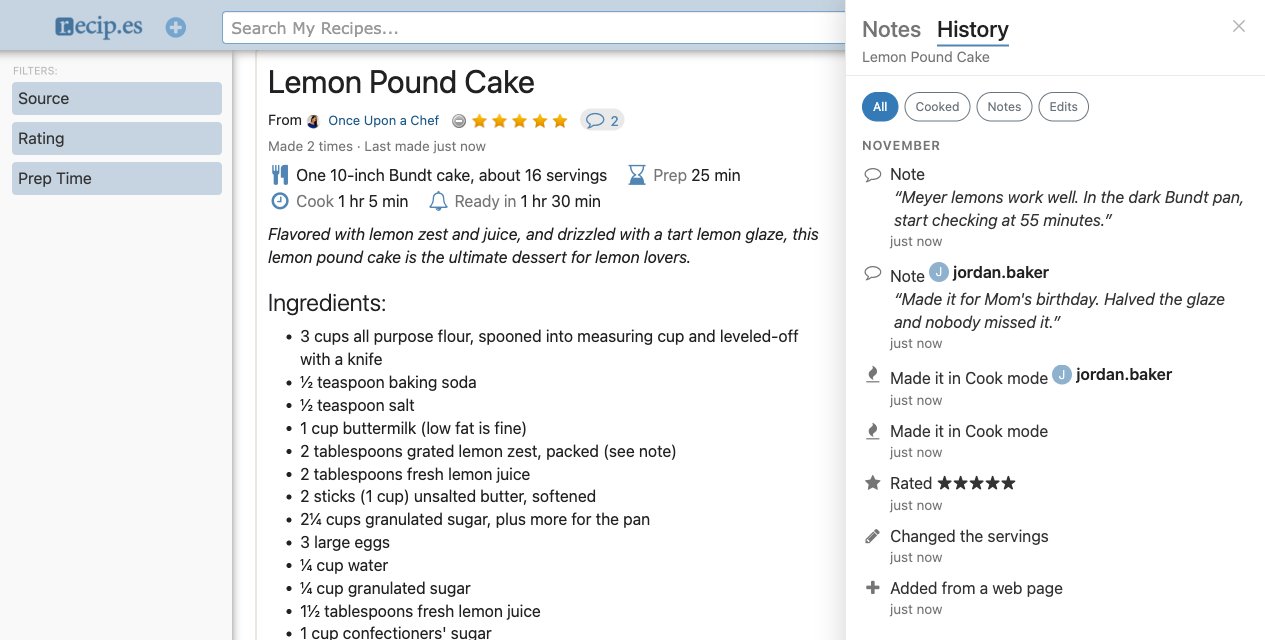
Click the History tab in the notes panel, or choose History from the recipe's menu (), to see everything done to a recipe, newest first: when it was added or imported, edited, rated, noted, planned, made, ordered or emailed. An icon on each entry shows what kind it is, such as a star for a rating or a flame for Cook mode. Other people's entries show their name and photo. Click Cooked, Notes or Edits to see just those. On a phone, History opens as its own page: click History beside the Notes heading, and Back to the recipe to return.
How was it?
A few hours after you make a recipe, r.ecip.es asks "How was it?" the next time you open your recipe box. Pick some stars, add a note if you like, and click Save. Click Not now to skip it. It only asks once each time you make something, and only if you can edit the recipe box.
Before a planned meal
When a scheduled meal is coming up, your recipe box prompts you to open the recipe in Cook mode. Click Open in Cook mode to start, or Not now to hide the prompt.
Still stuck? Email support@r.ecip.es.