
Export your recipes
Download all your recipes in one file you can keep or open in another recipe app.
Export a recipe box
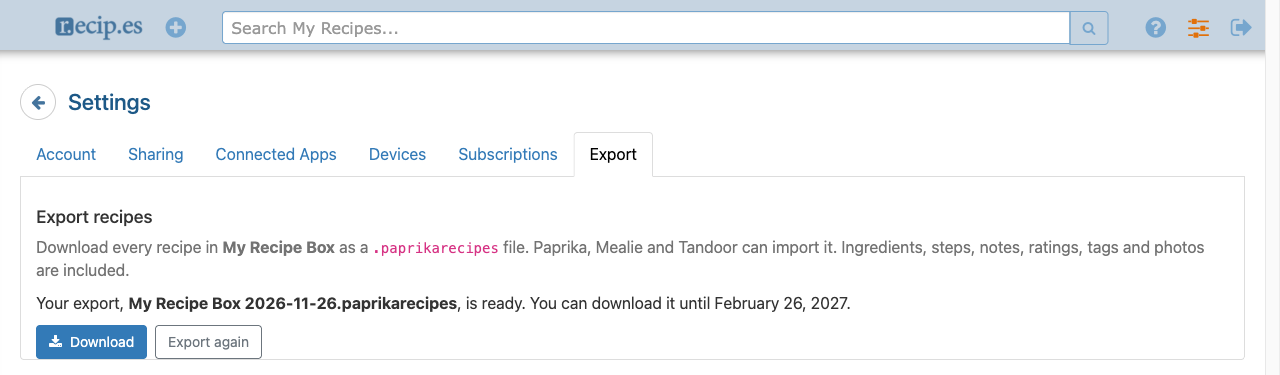
- Click Settings (), then Export, then Export recipes.
- Wait while it works. You can leave the page: the export keeps going.
- Click Download. We also email you when it's ready.
It exports your default recipe box. To export a recipe box shared with you, make it your default first: click Settings (), then Account.
What's in the file
The file ends in .paprikarecipes. It includes each recipe's title, ingredients, steps, description, servings, times, source and link, tags, rating and photo. It leaves out photos over 2 MB.
How long it lasts
You can download an export for 3 months. After that, click Export again.
Still stuck? Email support@r.ecip.es.