
The Save Recipe bookmarklet
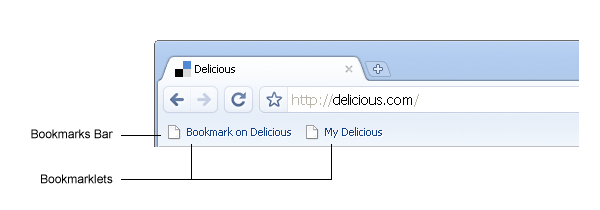
A bookmarklet is a button on your browser's bookmarks bar. Click Save Recipe on any recipe page and r.ecip.es opens the recipe in a new tab, ready to check and save to your recipe box.
Install it
- Show your browser's bookmarks bar. Chrome and Edge: View > Always Show Bookmarks Bar. Safari: View > Show Favorites Bar. Firefox: View > Toolbars > Bookmarks Toolbar.
- Drag this button to the bookmarks bar:
Save Recipe
Don't click it here; drag it. Your browser may show a "not allowed" symbol while you drag. - Optionally, drag My Recipe Box there too.
Use it
On a recipe page, click Save Recipe. A new tab opens with the recipe filled in: check it, pick tags, and save. If you're not signed in, sign in first and the recipe opens afterwards. If your browser blocks the new tab, click the Save this recipe button that appears on the page.